|
|
 |
While
the Model 77200 AutoTab is designed to operate with an AutoStrip machine,
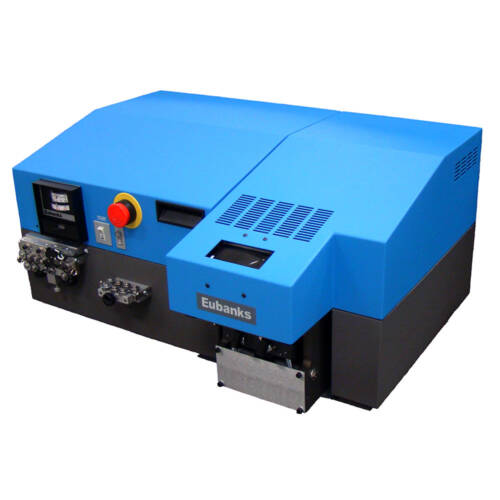
there are other AutoTab models that operate independently. They all include
the features described above except that they do not run WirePro
for Windows software. Every AutoTab includes programmable mark placement,
which enables you to place marks exactly where you want them by specifying:
1. The distance from the wire end to the first mark (same on both ends).
2. The number of closely spaced marks near the wire ends and the distance
between them. 3. The distance between marks in the middle of the wire.
A typical program might have four marks at three-inch intervals at each
end of the wire, with the first marks two inches from the wire ends, and
mid-zone marks spaced 12 inches apart. These stand-alone AutoTab wire
markers may be ordered in any of the following configurations:
Model 77505 -- Marks and cuts to length
Model 77510 -- Marks and cuts length, with with spark tester
Model 77605 -- Marks, cuts and strips
Model 77610 -- Marks,cuts and strips, with spark tester
Model 77215 -- Marks and shows cut point*
Model 77225 -- Marks and shows cut point, with spark tester
* Used for continuous filament harness laying. Machine has a separate
marking device in place of cutterhead.
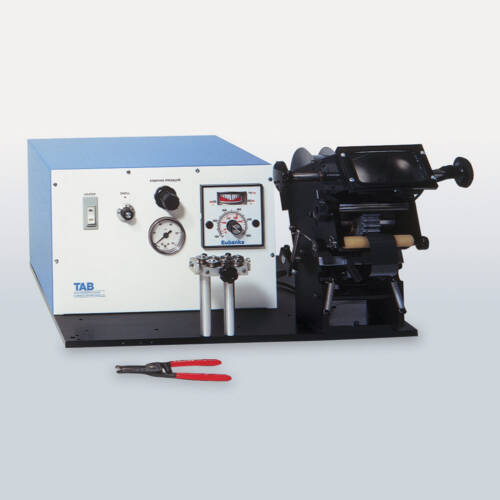
Manually-Set Hot Stamp Wire Markers
Like the programmable markers described above, the manual markers have
printing discs, which are rotated to change the marks placed on the wire.
They are described as "manual" because the discs are rotated
by hand instead of automatically. These include microprocessor-controlled
machines as well as more basic machines.
|